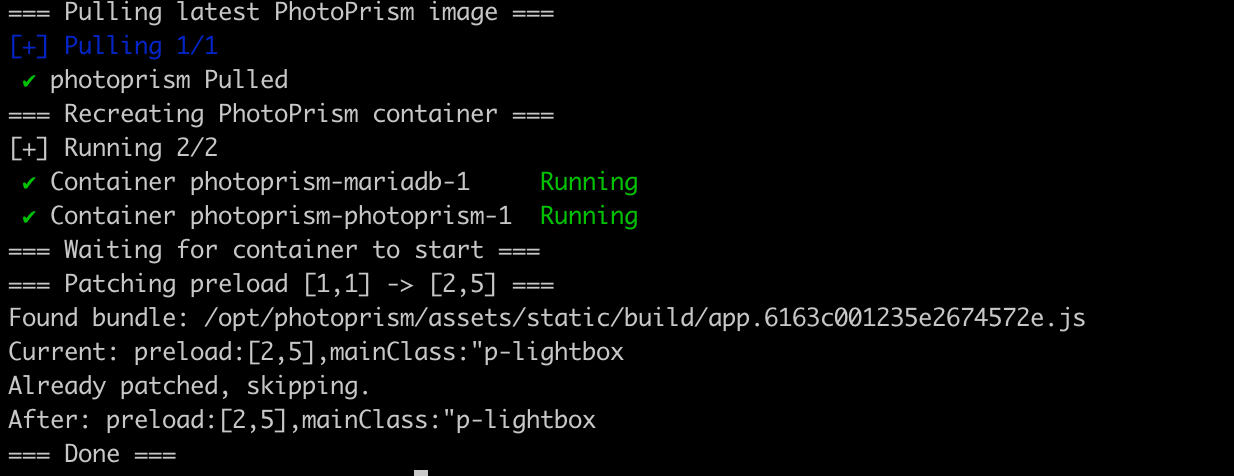
I was pretty annoyed by the fact that my Photoprism gallery was loading images kinda slowly, even though I was viewing it from my LAN, the issue is even worse when loading remotely via ssh tunnel. It works fine, but just not as snappy as we want things to be these days.. I figured the issue is that, by default, it only preloads one image before, and one after. After changing to 2 before, and 5 after current image.. it works much snappier.
Before: preload:[1,2]
After: preload:[2,5]
docker compose exec photoprism sed -i 's/preload:\[1,1\]/preload:[2,5]/' /opt/photoprism/assets/static/build/app.6163c001235e2674572e.js
Your build name might be different. So I made a script:
#!/bin/bash
set -e

cd /srv/photoprism

echo "=== Pulling latest PhotoPrism image ==="
docker compose pull photoprism

echo "=== Recreating PhotoPrism container ==="
docker compose up -d photoprism

echo "=== Waiting for container to start ==="
sleep 5

echo "=== Patching preload [1,1] -> [2,5] ==="
APP_JS=$(docker compose exec -T photoprism find /opt/photoprism/assets/static/build -maxdepth 1 -name "app.*.js" | tr -d '\r')

if [ -z "$APP_JS" ]; then
    echo "ERROR: Could not find app.*.js bundle"
    exit 1
fi

echo "Found bundle: $APP_JS"

# Check if patch is needed
CURRENT=$(docker compose exec -T photoprism grep -oP 'preload:\[\d+,\d+\],mainClass:"p-lightbox' "$APP_JS" | head -1)
echo "Current: $CURRENT"

if echo "$CURRENT" | grep -q 'preload:\[2,5\]'; then
    echo "Already patched, skipping."
else
    docker compose exec -T photoprism sed -i 's/preload:\[1,1\],mainClass:"p-lightbox/preload:[2,5],mainClass:"p-lightbox/' "$APP_JS"
    echo "Patched successfully."
fi

# Verify
AFTER=$(docker compose exec -T photoprism grep -oP 'preload:\[\d+,\d+\],mainClass:"p-lightbox' "$APP_JS" | head -1)
echo "After: $AFTER"

echo "=== Done ==="